
AI motion control
AI motion control: make any character move like your video
Upload a character picture and a short video of someone moving. Motion control makes your character perform the same steps, gestures and turns, and keeps its look. Want the camera to move instead? That is the second tab.
65 credits per second · from 195 credits a clip · 195 free credits after sign-up, one time · failed clips refunded
Character
Motion video
Result · Standard
Result · Pro
1 · Character picture
2 · Motion video
Best results: the picture and the video show the same framing (full body with full body), and the performer stays in frame.
Follow
The character turns and faces the way the performer does. Clips up to 30 s.
Quality
Resolution
65 credits per second, from 195 credits (3 s minimum)
Your clip plays here. Add a character and a motion video, then make it move.
1 · Your still
2 · Camera path (up to 3 moves, in order)
- 1Push in
1 of 3 camera commands used
Speed
Length and resolution
261 credits, refunded if a shot fails
Your shot plays here. Upload a still, build a path and roll.
Invented characters, yourself, or adults who gave you permission. No public figures, no one under 18. Not affiliated with Kling or Kuaishou.
How AI motion control works
- 01
Add your character
A drawing, a 3D mascot, a toy, a pet or a photo of yourself, up to 10 MB. One subject, whole body in view. The picture is checked before anything runs.
- 02
Add a motion video
A clip of 3 to 30 seconds with one performer, whole body and a steady camera. Your clip runs as long as this video, and the price shows before you start.
- 03
Make it move
Pick Standard (Kling 2.6) or Pro (Kling 3.0) at 720p or 1080p. The clip renders in a few minutes as an MP4 and waits in My videos.
Made with motion control
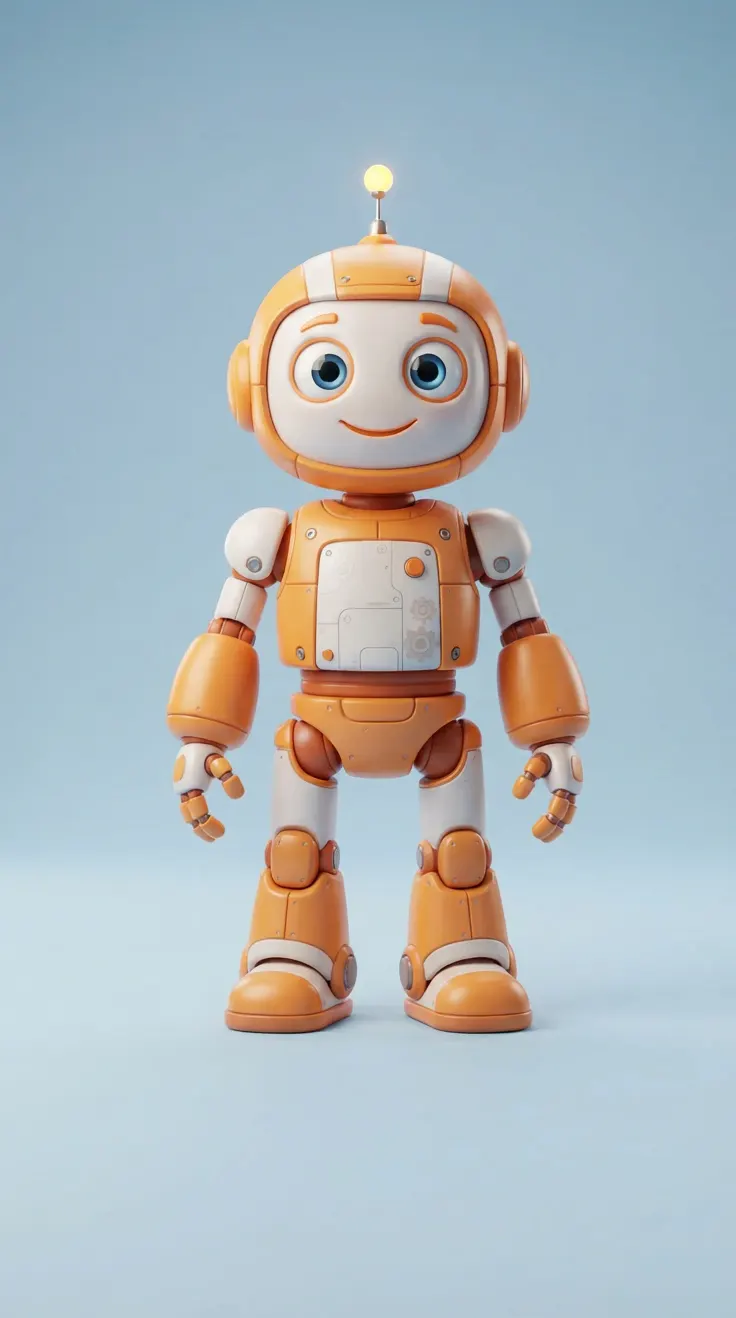
One picture and one motion video in, one clip out. The robot and the explorer are invented characters, and the dancer in the motion video is a synthetic performer, not a real person.
Character
Motion video
Result · Standard
Invented character and synthetic performer, made on this site. 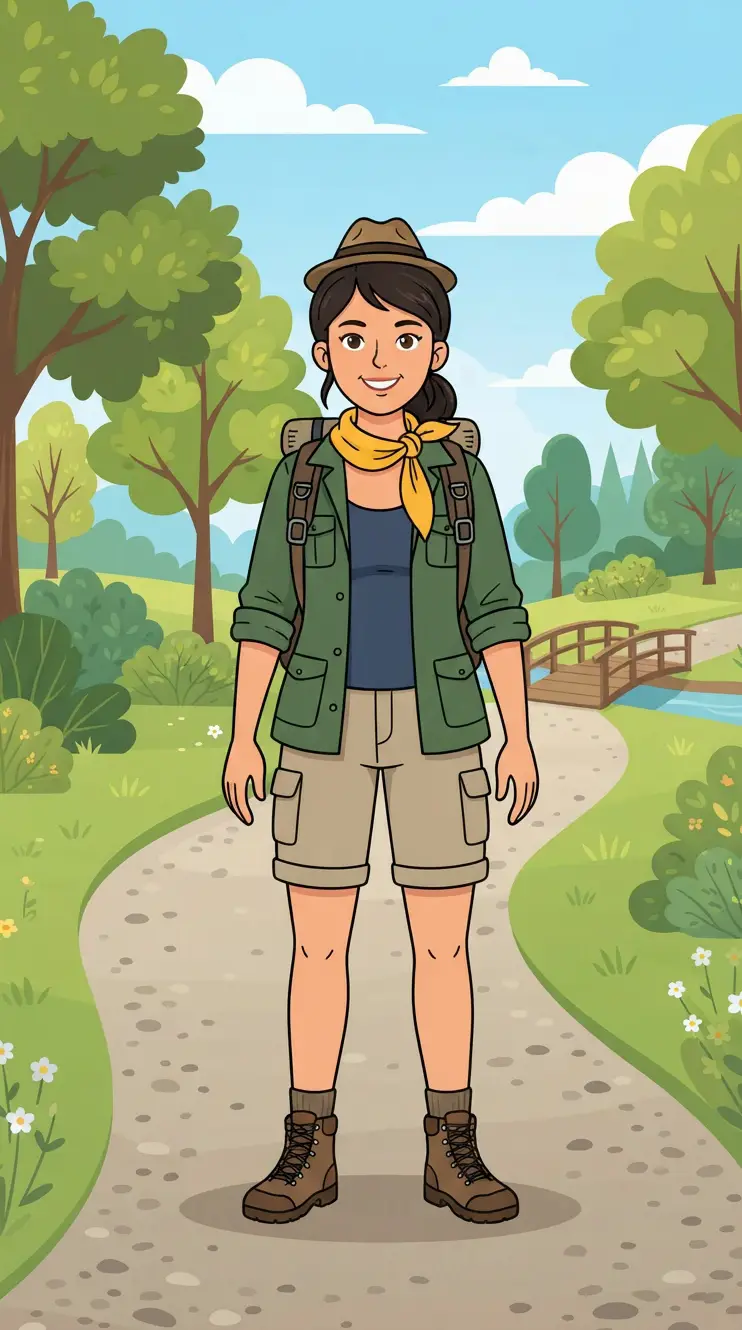
Character
Motion video
Result · Standard
Invented character and synthetic performer, made on this site. Character
Motion video
Result · Pro
Invented character and synthetic performer, made on this site.
Standard or Pro: Kling 2.6 or Kling 3.0
Both models read the motion in your video and apply it to your character. The choice is detail against price.
Standard · Kling 2.6 Motion Control
65 credits per second at 720p, 109 at 1080p. Solid body motion and dance, and the most clips for your credits.
Pro · Kling 3.0 Motion Control
105 credits per second at 720p, 135 at 1080p. Cleaner hands, faces and turns, and steadier character detail.
Follow the video, or keep the picture's pose
Follow the video lets your character turn and face the way the performer does, for clips up to 30 seconds. Keep the picture's pose holds the angle of your picture, for clips up to 10 s.
Who uses motion control
Dance trends
Put your own character into a dance: film the moves once, or use a clip you have the rights to.
Brand mascots
Make a mascot wave, dance or present a product with the moves of one recorded clip.
Creators and VTubers
Animate your avatar or original character from a clip of yourself, with no rigging or motion capture.
Drawings and toys
Bring an illustration, a figurine or a plush to life with real human movement.
Previs and pitches
Block out a performance for a character before animation or a shoot.
Second tab: camera moves on a still
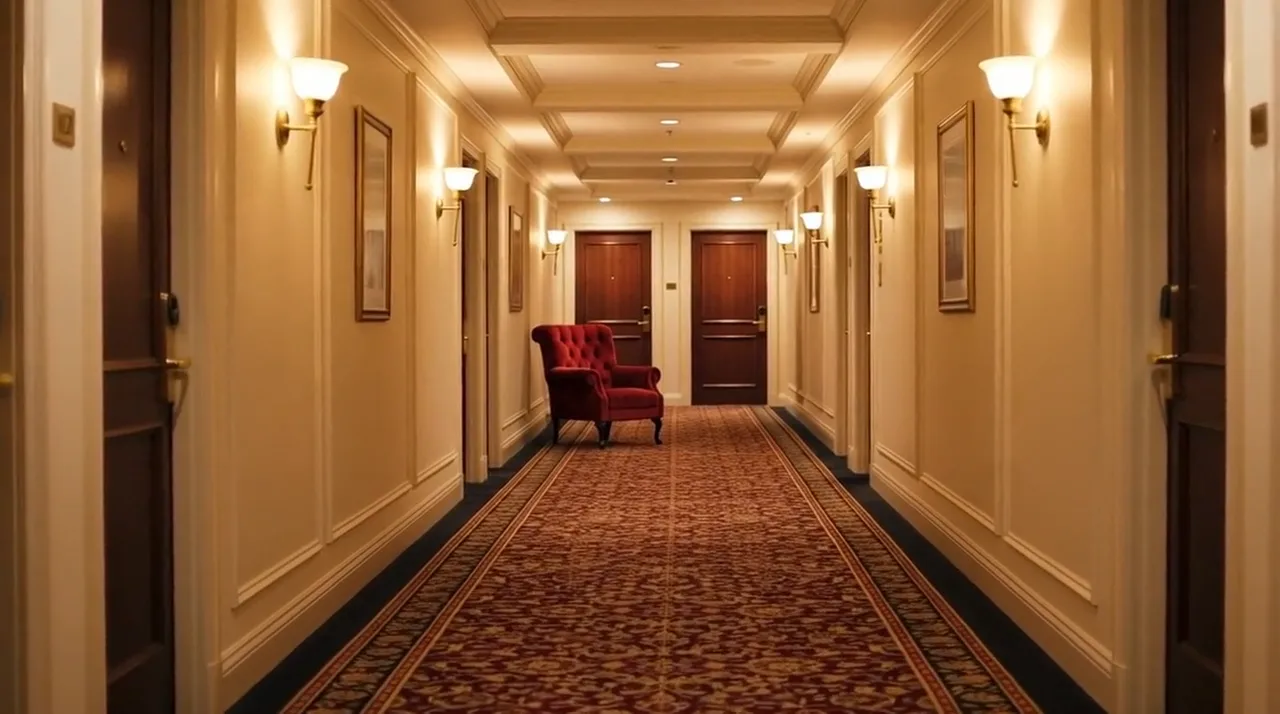
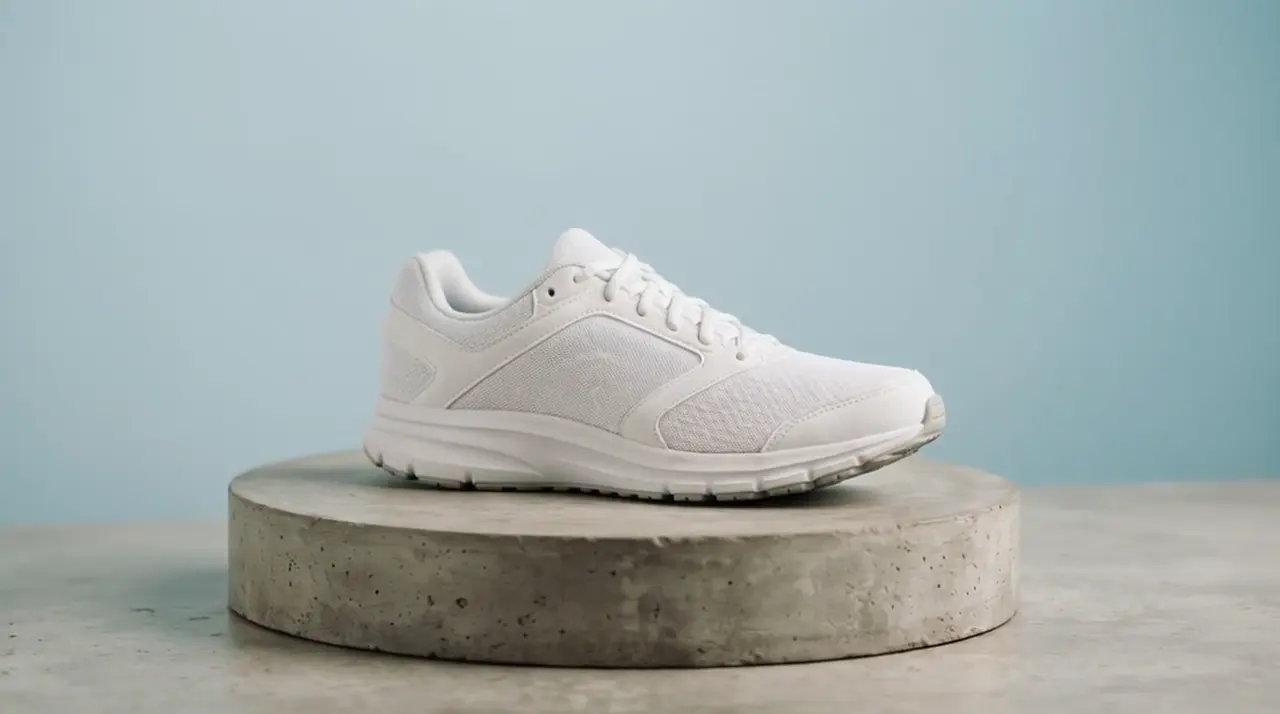
No performer needed: upload one still and the camera moves instead. Pick up to 3 move blocks in order, within 3 camera commands: orbit, drone rise and dolly zoom count as two. A shot costs 261 credits for 6 seconds at 768p.
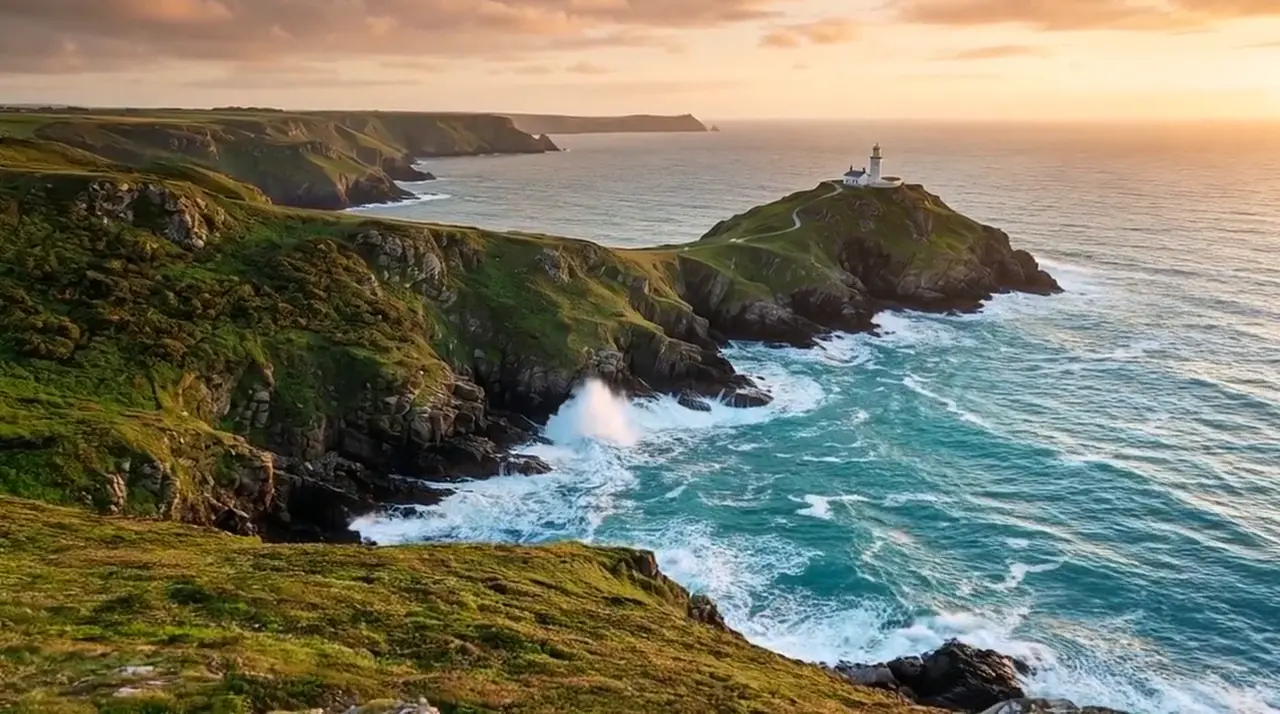
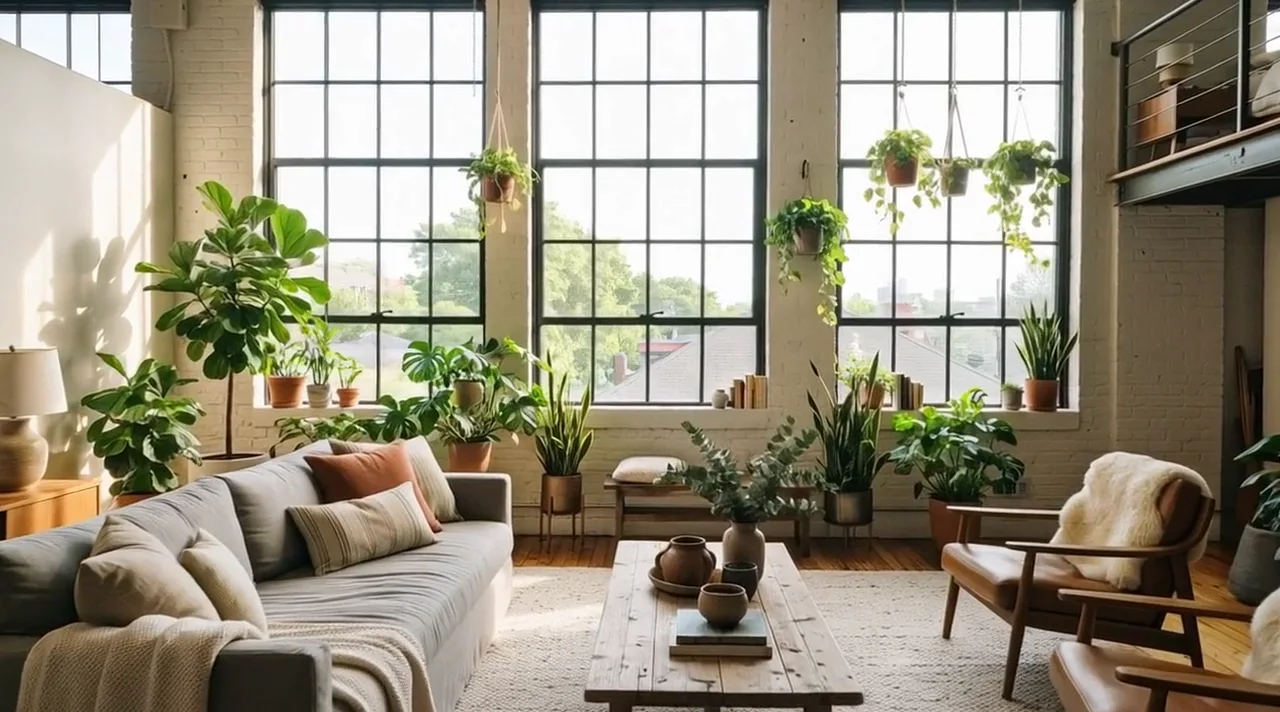
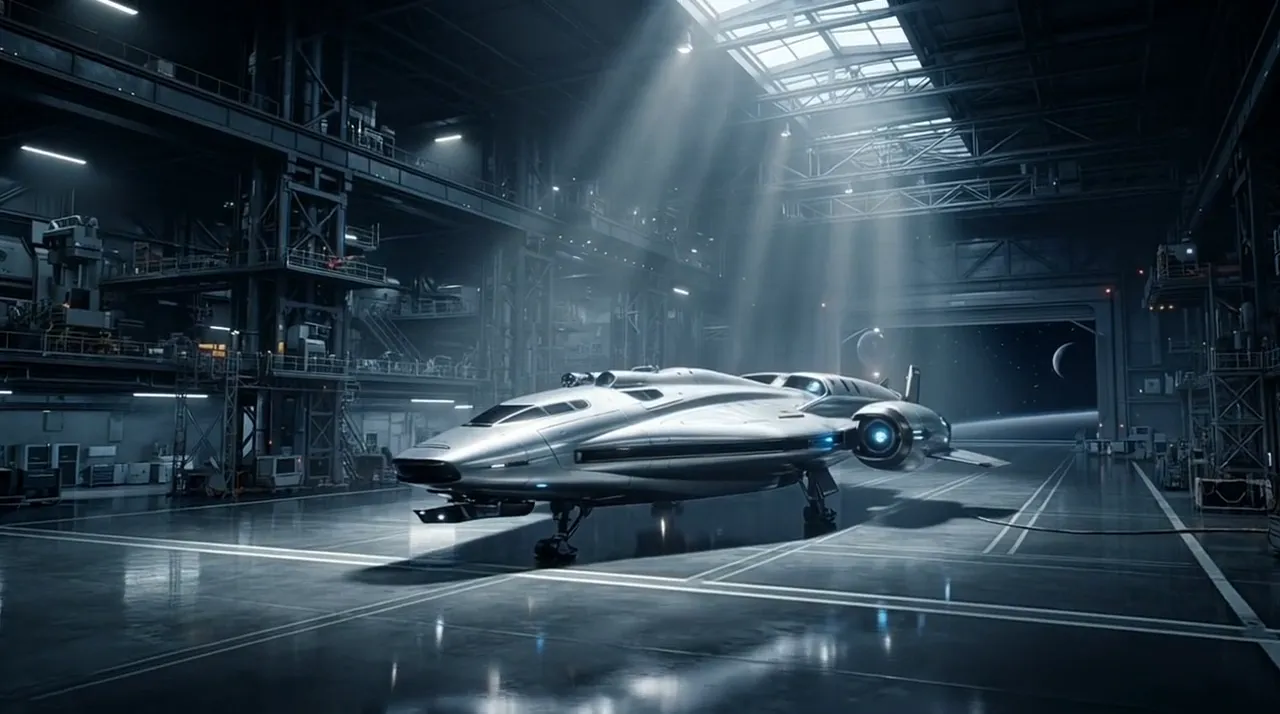


Depth
- Push in
- The camera moves toward the subject.
- Pull out
- The camera backs away and reveals more.
- Dolly zoom2 commands
- The camera moves in while the lens zooms out.
Around
- Orbit left2 commands
- The camera arcs around the subject to the left.
- Orbit right2 commands
- The camera arcs around the subject to the right.
- Drone rise2 commands
- The camera climbs and looks down on the scene.
Up/down
- Tilt up
- The camera tips upward from where it stands.
- Tilt down
- The camera tips downward from where it stands.
- Crane up
- The camera rises straight up.
- Crane down
- The camera lowers straight down.
Sideways
- Truck left
- The camera slides sideways to the left.
- Truck right
- The camera slides sideways to the right.
- Pan left
- The camera turns on the spot to the left.
- Pan right
- The camera turns on the spot to the right.
Feel
- Handheld
- A light, natural shake, as if held by hand.
What motion control cannot do
- One performer only. When the motion video shows several people, the largest is followed. There is no face swap or replace mode.
- Hands, fast spins and moves that leave the frame can come out soft or wrong. Full-body clips with a steady camera work best.
- Your character comes from one picture, so sides and backs the picture does not show are invented. Check every clip before you use it.
- Motion videos run 3 to 30 seconds and are charged per started second; keeping the picture's pose works up to 10 s.
Pricing
Pricing: pay per second
Motion control is priced per started second of your motion video, by quality and resolution, charged when the clip starts and refunded if it fails. Camera shots keep their own flat prices. Every plan and pack includes 1080p, Pro and commercial use.
Our promises
Failed clips refunded
If a clip cannot be finished, its credits go straight back to your balance.
Private by default
Your pictures, videos and clips are visible only to you, and you can delete them.
Every picture checked
Public figures, well-known characters and anyone under 18 are refused before a clip starts, and nothing is charged.
New accounts get 195 free credits, one time only, after email verification: enough for 3 seconds of Standard 720p motion control.
Plans
Grip
A few short motion clips a month
$11.19/month
≈ $0.26 per second
- 2,780 credits a month, each batch valid for 31 days
- Up to 42 s monthly
- Standard and Pro, 720p and 1080p, plus camera moves
- 4 renders at once
- Use it from Claude or ChatGPT (MCP)
Camera Op
For weekly dance and character videos
$25.05/month
≈ $0.25 per second
- 6,590 credits a month, each batch valid for 31 days
- Up to 101 s monthly
- Standard and Pro, 720p and 1080p, plus camera moves
- 4 renders at once
- Use it from Claude or ChatGPT (MCP)
Director of Photography
For daily posting and client work
$57/month
≈ $0.23 per second
- 15,830 credits a month, each batch valid for 31 days
- Up to 243 s monthly
- Standard and Pro, 720p and 1080p, plus camera moves
- 4 renders at once
- Use it from Claude or ChatGPT (MCP)
Team plans
Priced per seat, three seats minimum. Teammates join with their own login and generate from one shared credit pool.
Camera Department
Small crews sharing one pool
$22.19per seat /month
$66.57 in total for 17,670 credits
≈ $0.24 per second
- 17,670 credits a month in one shared pool for 3 seats
- Up to 271 s monthly per seat, shared
Production Crew
Studios and agencies with a shared video budget
$50.15per seat /month
$150.45 in total for 41,670 credits
≈ $0.23 per second
- 41,670 credits a month in one shared pool for 3 seats
- Up to 641 s monthly per seat, shared
Credit packs
First Take
Try motion control, no subscription
$6.79one-time
≈ $0.30 per second
- Up to 22 s of clips
- 1,455 credits that never expire
- Standard and Pro, 720p and 1080p, plus camera moves
Coverage Pack
Enough for one video project
$16.45one-time
≈ $0.31 per second
- Up to 53 s of clips
- 3,470 credits that never expire
- Standard and Pro, 720p and 1080p, plus camera moves
Shoot Day
The largest pack, for a busy week
$39.25one-time
≈ $0.30 per second
- Up to 132 s of clips
- 8,610 credits that never expire
- Standard and Pro, 720p and 1080p, plus camera moves
Seconds on the cards are Standard 720p, 65 credits per second, rounded down. Pro and 1080p use more per second.
What a clip costs
Credits from the same tables the studio charges. Motion clips are charged per started second, at least 3 seconds.
| Quality | Credits per second | Shortest clip (3 s) |
|---|---|---|
| Standard · Kling 2.6 Motion Control · 720p | 65 | 195 |
| Pro · Kling 3.0 Motion Control · 720p | 105 | 315 |
| Standard · Kling 2.6 Motion Control · 1080p | 109 | 327 |
| Pro · Kling 3.0 Motion Control · 1080p | 135 | 405 |
| Shot | Credits |
|---|---|
| 6 s · 768p | 261 |
| 10 s · 768p | 434 |
| 6 s · 1080p | 385 |
A first payment for a pack or the plan can be refunded within 14 days of purchase if you have used no more than 10% of its credits; only the unused share is refunded. Refund Policy
Questions
What is AI motion control?
Motion control copies the movement in a video onto the character in a picture. You upload a character and a short clip of someone moving, and the model makes the character perform the same steps, gestures and turns, in the setting of your picture.
Is motion control free?
Once you verify your email, the account receives 195 free credits a single time: enough for one 3 second clip at Standard 720p. After that, clips are paid with credits from a plan or a pack.
Which models do you use?
Kling 2.6 Motion Control for Standard and Kling 3.0 Motion Control for Pro, both Kuaishou models. This site is independent and is not affiliated with Kling or Kuaishou.
How long can the motion video be?
3 to 30 seconds when your character follows the video, and up to 10 s when it keeps the picture's pose. MP4 or MOV up to 95 MB. The finished clip is as long as the motion video.
How long does a clip take?
Usually a few minutes; Pro and longer clips take longer. You can leave the page, and finished clips wait in My videos.
What does a clip cost?
You pay per started second of the motion video, with a 3 second minimum. Standard costs 65 credits per second at 720p and 109 at 1080p; Pro costs 105 at 720p and 135 at 1080p. The price shows before you start, and a failed clip is refunded.
Can I use the clips commercially?
Clips made with paid credits (any plan or pack) may be used commercially. Clips made with the free sign-up credits are for personal use. You need the rights to the picture and the motion video you upload.
Can I use a photo of myself or someone else?
Yes, of yourself or of an adult who gave you permission; you confirm this with a checkbox before each clip. Public figures, well-known characters and anyone who may be under 18 are refused by the picture check, and nothing is charged.
Make your character move
195 free credits after sign-up, enough for your first clip.
Last updated: